Laya AI decisions in Python.
Hello developer 👋! In this post I try Laya, a free and open source AI tool to classify texts and make decisions between a set of options I define. I install it locally and use it from a very simple Python script.
What is Laya
The idea is simple: you give Laya a text, a question, and a list of options, and it calculates which option fits best. It is the same principle behind a home assistant that understands “it is too hot in the living room”, or a support inbox that routes a message to the right department.
Here are some examples of what it does:
Text: “It is too hot in the living room.”
Options:
- turn_on_light
- lower_blind
- turn_on_ac
- turn_off_tv
→ turn_on_ac
Text: “I have added support for exporting the results to JSON.”
Options:
- fix
- feat
- refactor
- docs
→ feat
Text: “Could you send me the March invoice again?”
Options:
- sales
- billing
- support
- hr
→ billing
The project page on GitHub already has more than 22k stars, which is not bad at all.
Setting up the project
For this practice I am going to use Laya from a very simple Python script, so these are the steps:
- Create a directory for the project (I open it in Zed).
- Create and activate a virtual environment with Python 3.12.
- Install Laya.
- Create
main.pyand run it. - See the result.
First, let us check which Python I have:
It tells me I have Python 3.14.0. Since this version is very recent, it may cause problems with some Laya dependencies, so I am going to install Python 3.12 with uv:
Now I create the directory and set up the virtual environment there:
I activate the environment (in a Git Bash terminal):
And I install Laya:
To check that everything works:
Writing the script
I create a main.py file in that directory, with Zed or any other editor such as VSCode, and paste this code:
=
=
=
=
Let us break this code down:
I import Router. Router is the piece of Laya that decides which model to use and runs the prediction.
state is simply the state or information that Laya has to analyze. In our case: “They charged me twice for the same order.” It could also be a full email, a conversation, or a description of a problem.
In questions = { a Python dictionary starts. Inside it, I create a question called “department”.
choice means: “choose one of the options I am going to give you.”
In instructions I write the question. In criteria I indicate the possible answers and what they mean. For example, "billing": "invoices, payments, charges, refunds" means: if the message talks about invoices, payments, charges or refunds, then the answer is “billing”.
With result = router.predict(state, questions) we ask Laya to make the decision, taking into account the state and the questions with their criteria. Finally, we print the decision with print(result["answers"]["department"]["choice"]).
Running the script
Now I run the file:
It works. Laya answers: billing.
In other words, it has interpreted “They charged me twice for the same order.” as a billing issue.
We have just tested the basic flow from Python:
text → questions + criteria → Laya → decision
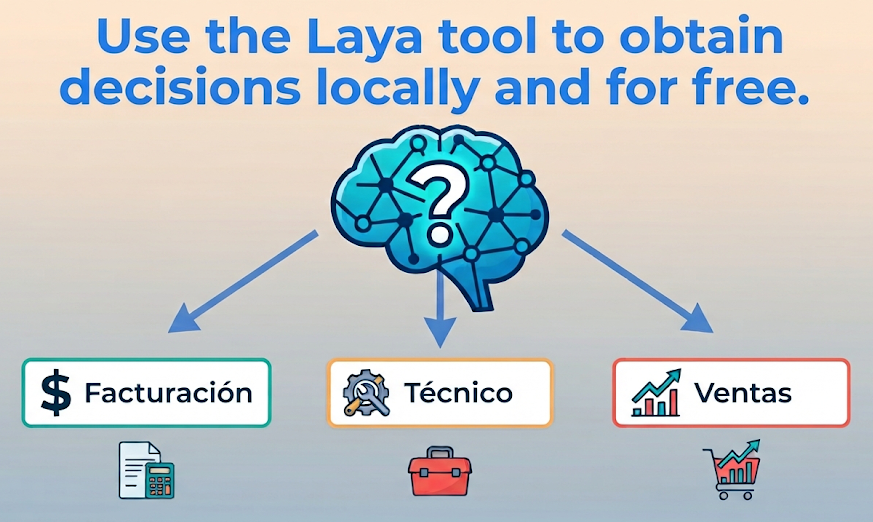
The interesting part is that you define the categories and their criteria, while Laya makes the decision. Laya does not have “billing”, “technical” and “sales” categories programmed in advance: we are the ones providing them in questions.
Cleaning up
To remove everything that was installed, run this in the project directory:
And then delete the directory.
Finally, remove the models that Laya downloaded:
Conclusion
Laya turns a text into a decision between the options you define, and it does so with a handful of lines of Python. The categories and their criteria are yours, so the same tool works for home automation, commit types, or routing customer messages to a department. And it is free and open source.
Video
In the following video you can see the complete process (Spanish audio).