OmniRoute with OpenCode.
Hello developer 👋 In this post we look at OmniRoute, a free and open source local gateway that connects your editor or CLI with more than 90 AI providers that offer free tiers. When one provider runs out of quota, OmniRoute switches automatically to the next one.
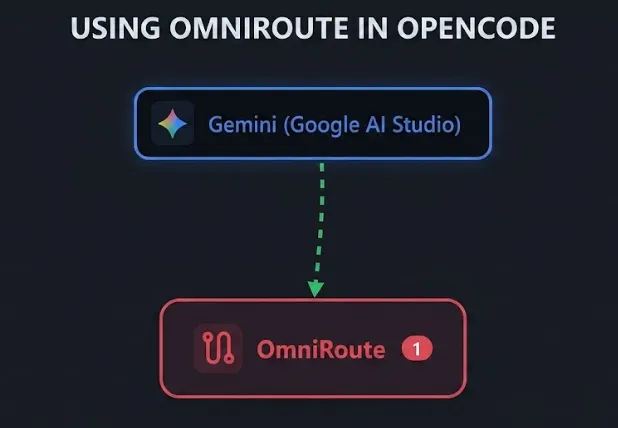
What is OmniRoute
OmniRoute is a single endpoint that sits between your tool (like OpenCode) and the AI providers. Instead of configuring each provider separately, you point everything to localhost and OmniRoute handles the rest.
Installing OmniRoute
You can install it globally with npm or pnpm:
Or with pnpm:
After installing, run the command:
First launch
When you run OmniRoute for the first time, it asks you to create a password. Then it starts a local server and opens a dashboard in the browser.
If you see an “Internal Server Error” in the browser, stop the server, rename the .omniroute directory in your home folder (for example to .omniroute-bkp), and run omniroute again. This forces it to regenerate the SQLite database.
Once it is running, you get an access point like http://localhost:20128/api/v1.
Setting up Gemini
- Go to the Google AI website and create an API key.
- In OmniRoute, select Gemini and paste the API key.
- Enable the check for free models.
- Go to Endpoints on the left menu and copy the API route:
http://localhost:20128/v1. - Go to API Manager and generate a new key. Name it
opencodeand leave the rest of the values as they are.
Configuring OpenCode
Create an opencode.json file in the root of your project with the following configuration. Replace the apiKey value with the key you generated in OmniRoute:
Testing it out
Open OpenCode, run /models, and select the Gemini model you just created. Then try a prompt and you should see the response come through OmniRoute.
Conclusion
OmniRoute is a convenient way to access multiple AI providers from a single local endpoint without paying for API credits. Combined with OpenCode, it lets you test and use free models directly from your development environment.
Video
In the following video you can see the complete process (Spanish audio).