React Doctor with OpenCode.
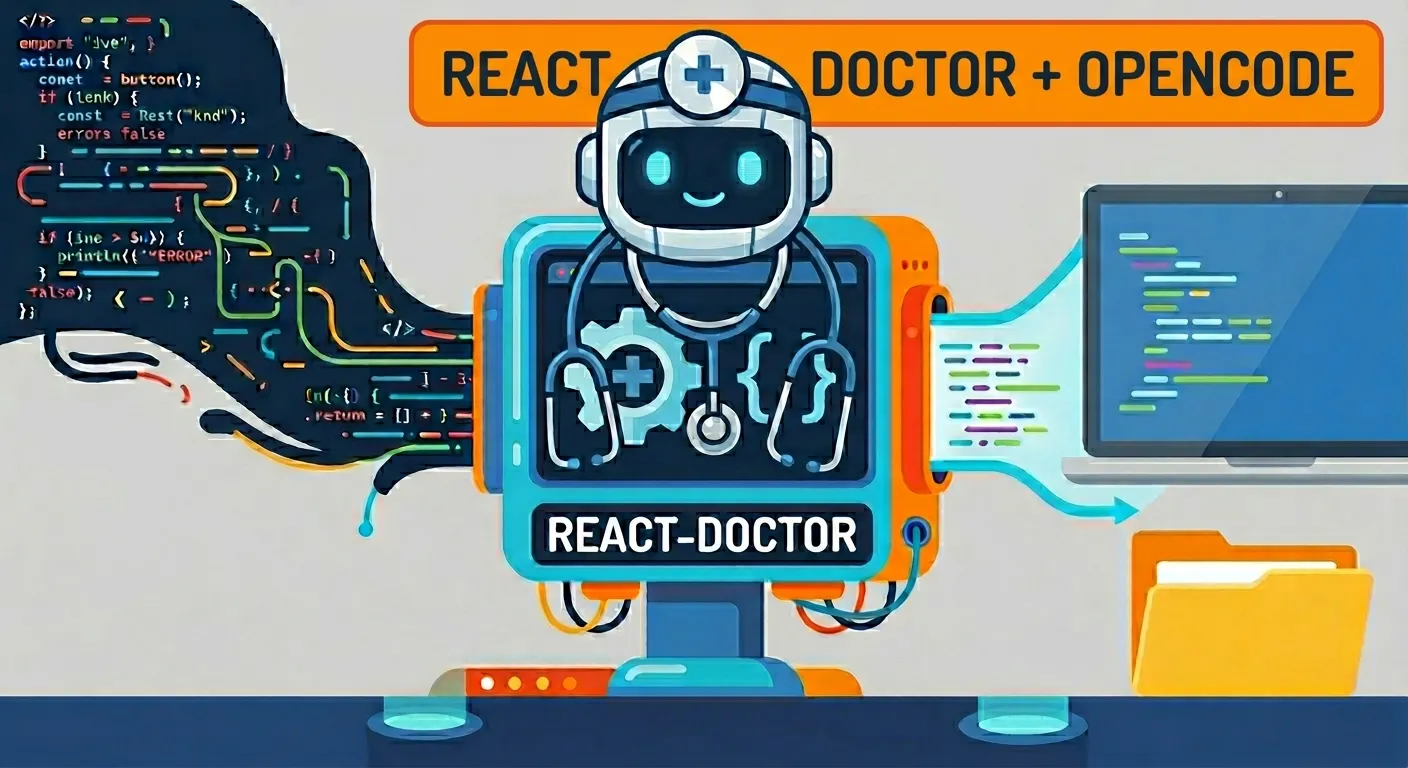
Hi developer 👋 In this video, we use React Doctor to analyze a React project. Then we install the react-doctor skill in OpenCode to help us fix the problems with AI. Finally, we run the audit again to check if the score improved.
Documentation
Check the documentation on GitHub.
Run the audit
First, run the deterministic audit in the project root:
For everyday use, if you want to check only your changes and not the whole project:
Run the fix with AI agents
Do not select any extra agents. If OpenCode is not listed as an option, try installing this skill from: https://www.skills.sh/posthog/posthog/react-doctor
Prompt in OpenCode
/react-doctor In the tmp-react-doctor directory I left some audit files from the react-doctor tool. Use the react-doctor skills to fix issues. For now, do not do dangerous things like deleting files. Do not run the react-doctor analyzer, I will do that myself. Just fix what I indicated based on the audit files.
CI with GitHub Actions
There is also a tool for CI with GitHub Actions:
https://github.com/marketplace/actions/react-doctor
Video
In the following video you can see the complete process (Spanish audio).