Creating an MCP SQLite Server for OpenCode.
In this post, I’ll show you how to create a simple MCP server with TypeScript and SQLite, and then connect it to OpenCode so you can query your database using natural language.
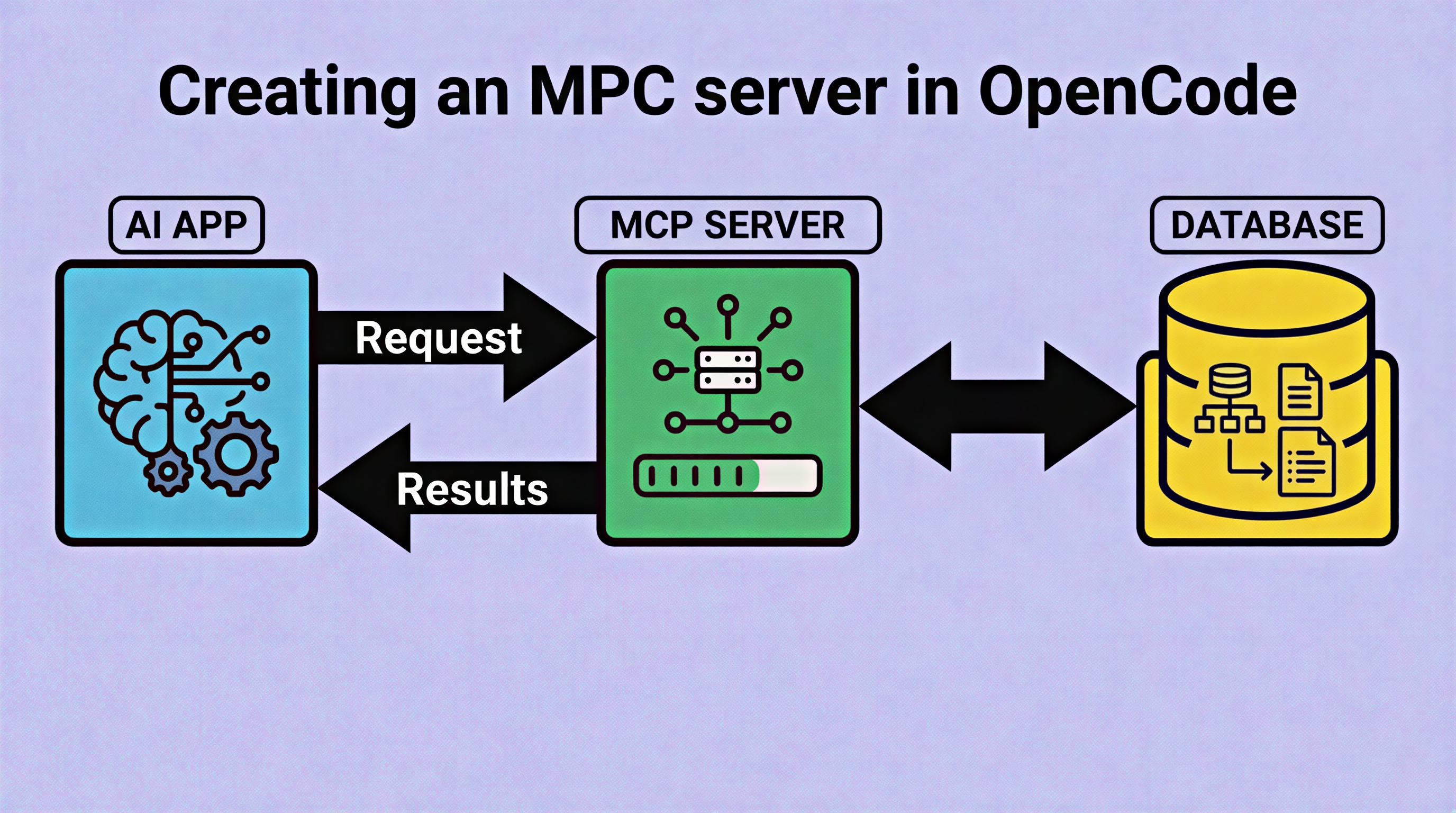
What is MCP
MCP (Model Context Protocol) is a protocol that allows AI tools to interact with external resources. In this case, we’ll create a server that lets OpenCode query a SQLite database.
Creating the project
The project structure includes:
- database.sqlite - the SQLite database
- seed.ts - script to populate the database with sample data
- src/index.ts - MCP server entry point
- src/db.ts - database connection
- src/tools/queries.ts - pure functions for queries
The database has three tables: products, clients, and orders.
Available tools
The MCP server exposes four tools:
- list_tables - lists available tables
- describe_table - shows table structure
- execute_query - runs SQL queries (with validation)
- get_summary - returns store summary
Connecting to OpenCode
Create an opencode.json file with the absolute path to your MCP:
Now you can ask OpenCode natural language queries like:
- “What tables do I have?”
- “Show me all products”
- “Which client has spent the most?”
In the following video you can see the complete process (Spanish audio).